Release Notes - v1.3
Version 1.3 includes the following user-requested enhancements:
- Contact Detail and Simple List reports can be run for selected contact groups by Orbit.
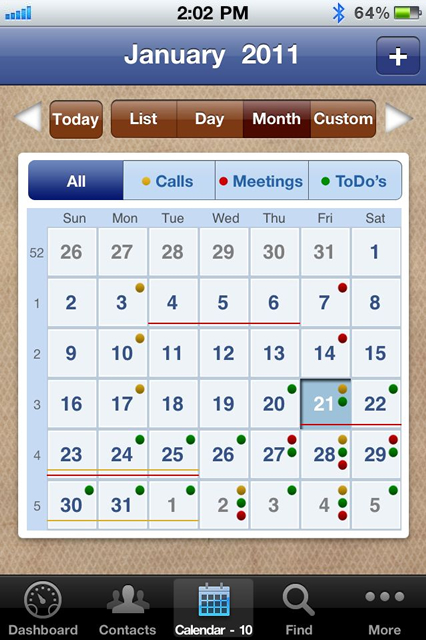
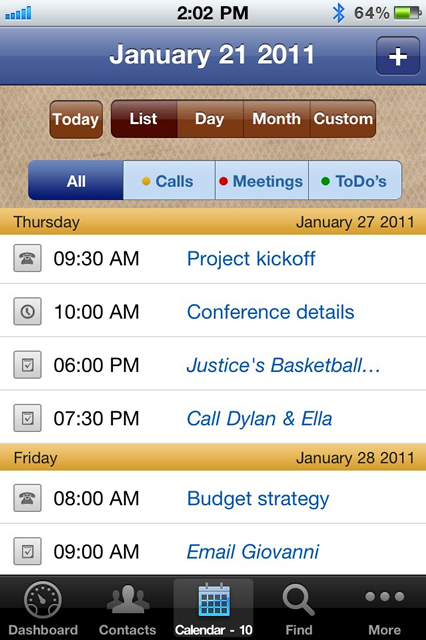
- Custom date ranges, when selected, now display in the navigation bar for quick reference.
- Customizable User Field Picklists can be easily reordered using drag and drop.
- Existing groups from the iPhone Address Book are now imported as Orbits in VIPorbit®.
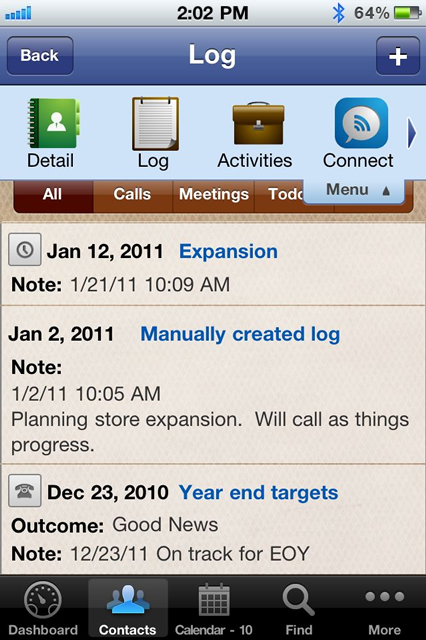
- iPhone Address Book Notes field imports as a VIPorbit® contact record log entry.
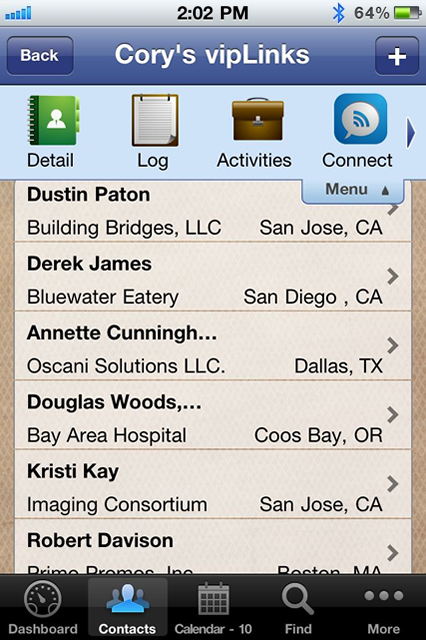
- VIPlinks, associations between contacts, now appear alphabetically on the contact record.
- The Job Title field from the iPhone Address Book now imports into the VIPorbit® Title field.
- Tapping a contact name from the activity detail screen displays the contact detail.
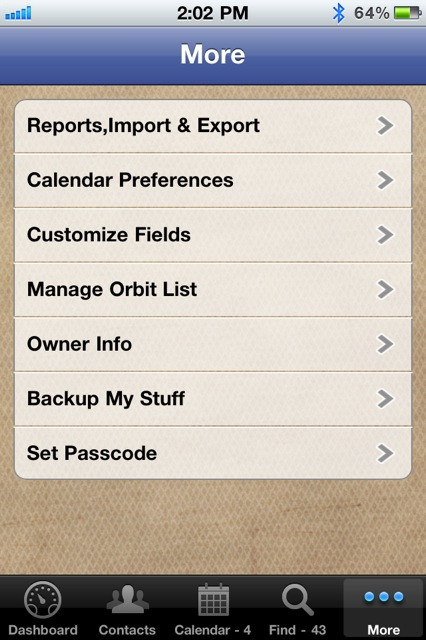
- Picklist management for manual Log entries is available in the More section.
Version 1.3 includes fixes for the following anomalies (ok...they were bugs):
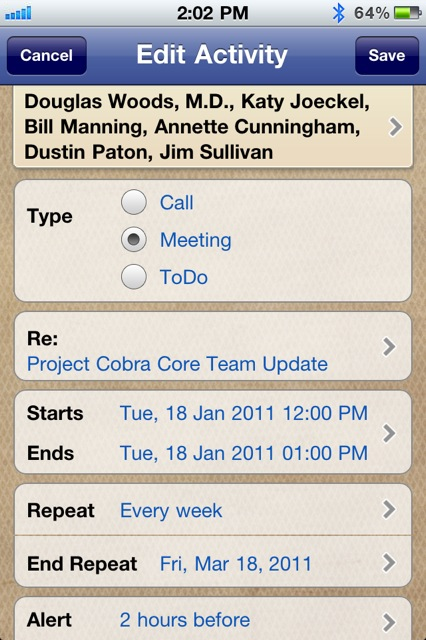
- Activity alarms are presented in both background and foreground mode.
- Activity rollover moves activities to the next day with a duration of 24 hours extending from 12:00am – 12:00pm.
- Activity alarms for a contact record that does not contain a first or last name displays the company name in the alert.
- Editing the first email address on a contact detail page will not duplicate the email address.
- Registration recognizes usernames that contain spaces.
- iCal events are deleted from the VIPorbit calendar when Calendar Preferences > Import iCal events is set to OFF in the More section.
- Phone numbers will accept “wait” and “pause” codes.
- Log entries are created when a contact is removed from an Orbit using the Orbits menu option on the contact detail page.
- New Orbits Creating include participants added as part of the process of creating the new Orbit.
- Notes field data can be entered when editing a Log entry generated by adding a contact to an Orbit.
- Creating a new Orbit does not allow using duplicate Orbit names. VIPorbit displays a warning alerting the user that an Orbit with that name already exists.
- Email addresses in the Quick Connect screen for contacts included in the Faves Orbit are not disabled when other contact records do not have an email address.
- Adding and removing contacts from the Faves Orbit properly changes the Faves options on the contact detail page.


Free Download
Testimonials
-
This software is a must-have for any mobile professional!Saen Higgins