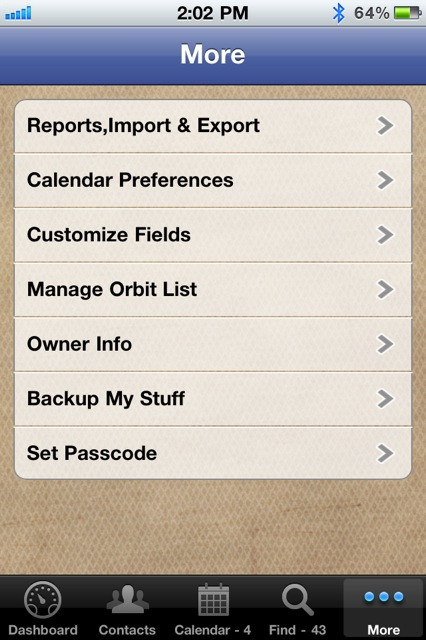
Please note: this is referring specifically to the iPhone app, not the native iPad app we've now released.
Great questions and the first answer is yes! While it was originally designed for the iPhone in a single user situation, we're happy to provide you the workaround to use it on both devices with one app. (Meaning you don't have to purchase two copies of the app.) Follow the detailed instructions below and you'll be up on your iPhone and iPad in no time. Please note a few details first.
A few details:
- This assumes you are using the same iTunes account on both devices.
- Please note that this is a file-based sync meaning you can only use one device at a time, not simultaneously to keep your data current.
- Please have an active wifi connection before you get started.
- You perform the setup completely on the first device before moving to the second.
- Make a note of the username and password you entered on the first device while loading the app.
Now, let's get going:
(These instructions have you setting up the app first on your iPhone but it can be either one. If you started or want to start with your iPad first, just flip the words iPhone/iPad around)
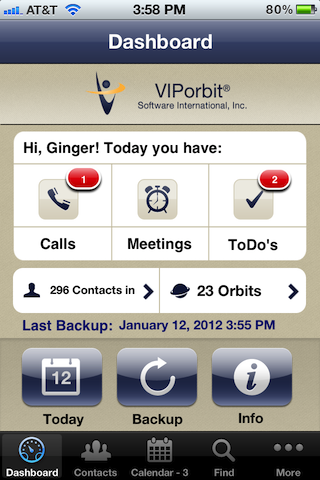
- With VIPorbit already running on your iPhone, tap the red Backup My Stuff button to purchase the service, it will ask for your iTunes password, and should start the backup/upload automatically when the purchase is complete.
- Verify the backup was successful by tapping on More => Backup My Stuff and tap the Restore button. You should see the date/time of this backup and the number of contacts.
- Now go to your iPad, if you had previously downloaded and installed VIPorbit here, delete it. We have to reinstall so it recognizes your purchase of Backup My Stuff.
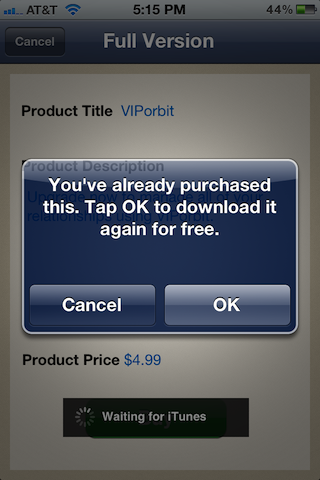
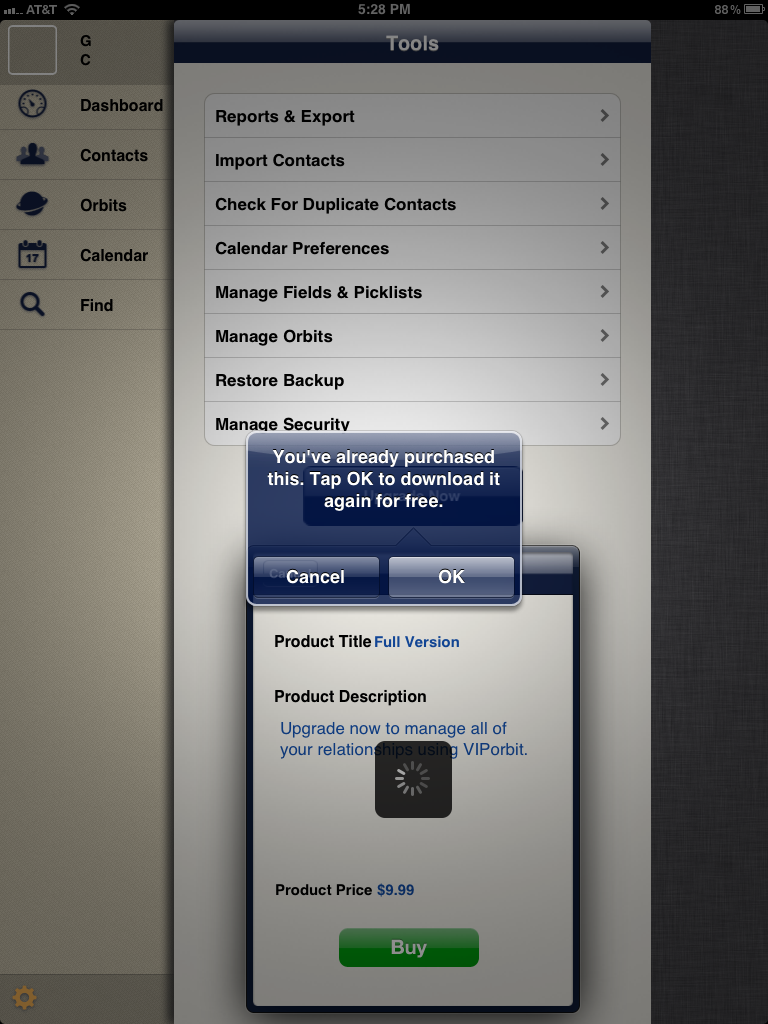
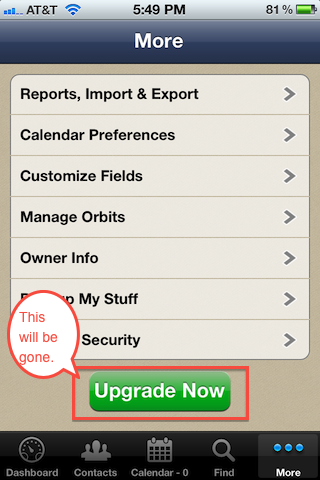
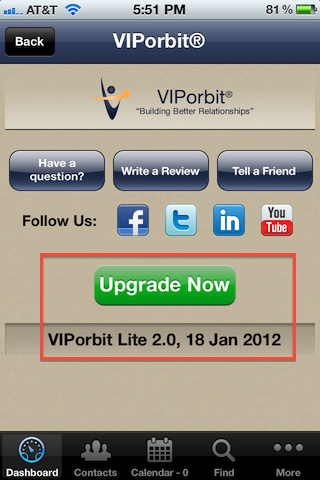
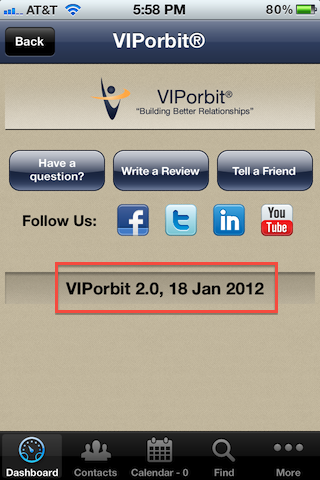
- Next, download VIPorbit straight from the App Store. Make sure you download the same version you started with on the iPhone . What does this mean? iTunes see's our Lite/Free and Full apps as different products. So, if you started with the free/lite version then go that route, if you started with the paid/full then select that. As long as you keep with the same product you started with, you will never be charged for the app again regardless of how many times you download it. If it's the free/lite verison you started with, you will have to tap Upgrade Now and go through the Buy steps but you won't be charged again. For more details and screen shots on this, click here: http://bit.ly/yrerdk
- When you tap to load it, make sure you log in with the same username and password you used for the iPhone installation of VIPorbit.
- After logging in, select your Country, then tap the Restore button and you should see the backup you just uploaded from the iPhone. Tap it and it will have you restart VIPorbit. Once you reload you will have the same data on both devices. You can see screen shots of this under our FAQ that starts with "I have a new iPhone"
- Going forward you'll need to backup and restore when going from one device to the other. Scenario: I've been using VIPorbit on my iPad while at my office. Now as I'm leaving for the day, in VIPorbit I tap Backup My Stuff on the Dashboard on my iPad. On my iPhone, in VIPorbit I tap More => Backup My Stuff and tap the Restore button and tap on the backup I just uploaded. Now I'm headed out armed with my latest changes on my iPhone!